1
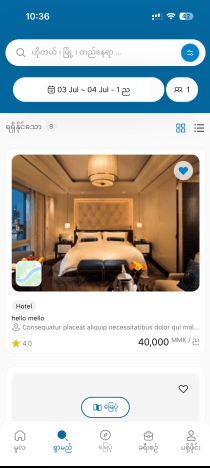
Search for a hotel
Open the app and enter your city, dates, and number of guests. TuTuStay instantly shows every hotel that fits, sorted by what matters to you.
- Adjust dates and price range any time — results refresh live.
- Switch languages (EN · KR · MM · MN) from the top of the screen.
2
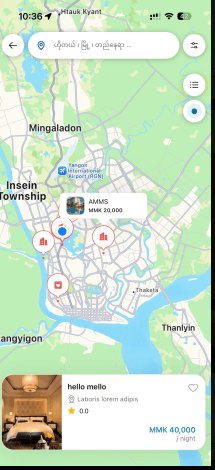
Explore on the map
Tap the map view to see hotels as pins. Each marker shows price and rating; tap one to open a callout with a quick preview.
- Drag the map to discover stays in a specific neighborhood.
- Tap a callout to jump straight to the hotel's rooms.
3
Book a room
Browse hotels and their rooms with clear rates and ratings, pick your dates, and confirm. Apply a coupon at checkout to drop the price.
- Only rooms available for your dates are shown.
- Enter a coupon code before you confirm to see the discount.
4
Stay on top of your trip
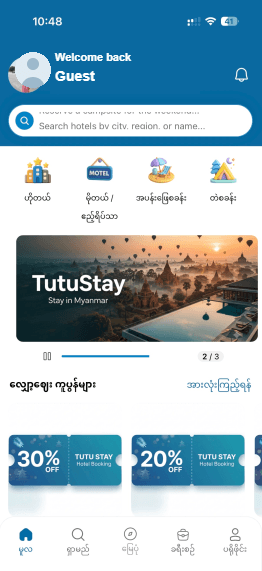
Your home screen keeps a list of notifications — booking confirmations, check-in reminders, and updates — so you never miss a beat.
- Check-in reminders arrive automatically before your stay.
- Tap any notification to see the related booking.
Still stuck?
Our team is around to help in all four languages.